Invoices and receipts, kept
Every paid invoice keeps its receipt and you can open it at any time. Card details are entered with our payment provider and never reach our servers.
The schedule, the coach's report after every lesson, progress and payments. For every child you register.
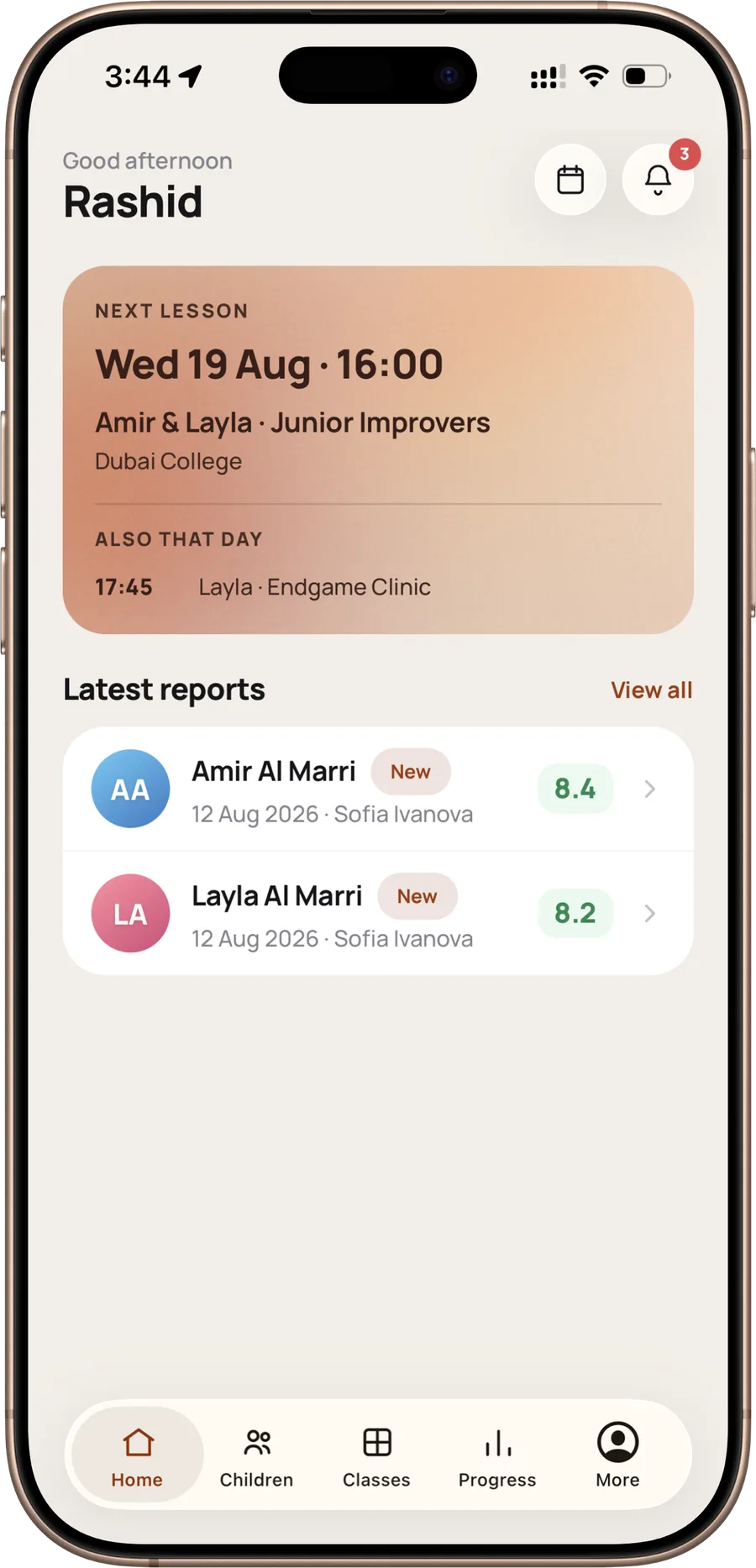
Inside the app
Attendance, skills scored out of ten, and the FIDE rating where your child has one. You see which way things are moving, not only the last result.

After a lesson the coach writes what was covered, what went well and what to work on. It reaches you once the academy has reviewed it.

Find a class, hold a place for the term and pay for it without leaving the app. Prices are in AED with VAT already in them.

Every paid invoice keeps its receipt and you can open it at any time. Card details are entered with our payment provider and never reach our servers.
Two children, two groups, two schools, one login.
Notify an absence from the lesson and the coach knows before the class begins.
The timetable for every child you have registered, and a notification in time to leave for it. A Tuesday at 16:00 stops being something you hold in your head.
A calm, thoughtful space for your child's chess journey. You stay close to their progress, with an experience designed around simplicity, privacy and peace of mind.
Read the privacy policyA chess academy in the UAE, and the app the families follow it in.
Our coaches teach at schools during the week. What happens in those hours used to reach parents through half a dozen group chats. Now it reaches them in one place.
More about the academyQuestions
No. A child has no login, no password and no device of their own. You register the child under your account, and you decide what we hold about them. We do not collect photographs of children: each one is shown as a cartoon avatar drawn on your phone.
Open the lesson in the app and use Notify absence. The coach sees it before the class. The option closes when the lesson starts, so let us know beforehand where you can.
Under Payments. Every paid invoice keeps its receipt and you can open it at any time. Card details are entered with our payment provider and never reach our servers.
In the app: More, then Settings, then Delete account. Without the app, use the page at chessdubai.com/delete-account. Deleting removes your account and every child registered under it.
Already learning with us and something is not working? Write to chessuae3@gmail.com and we answer within one working day.